
The Exhibitor List is published and available to everyone on the event platform under Exhibitors.
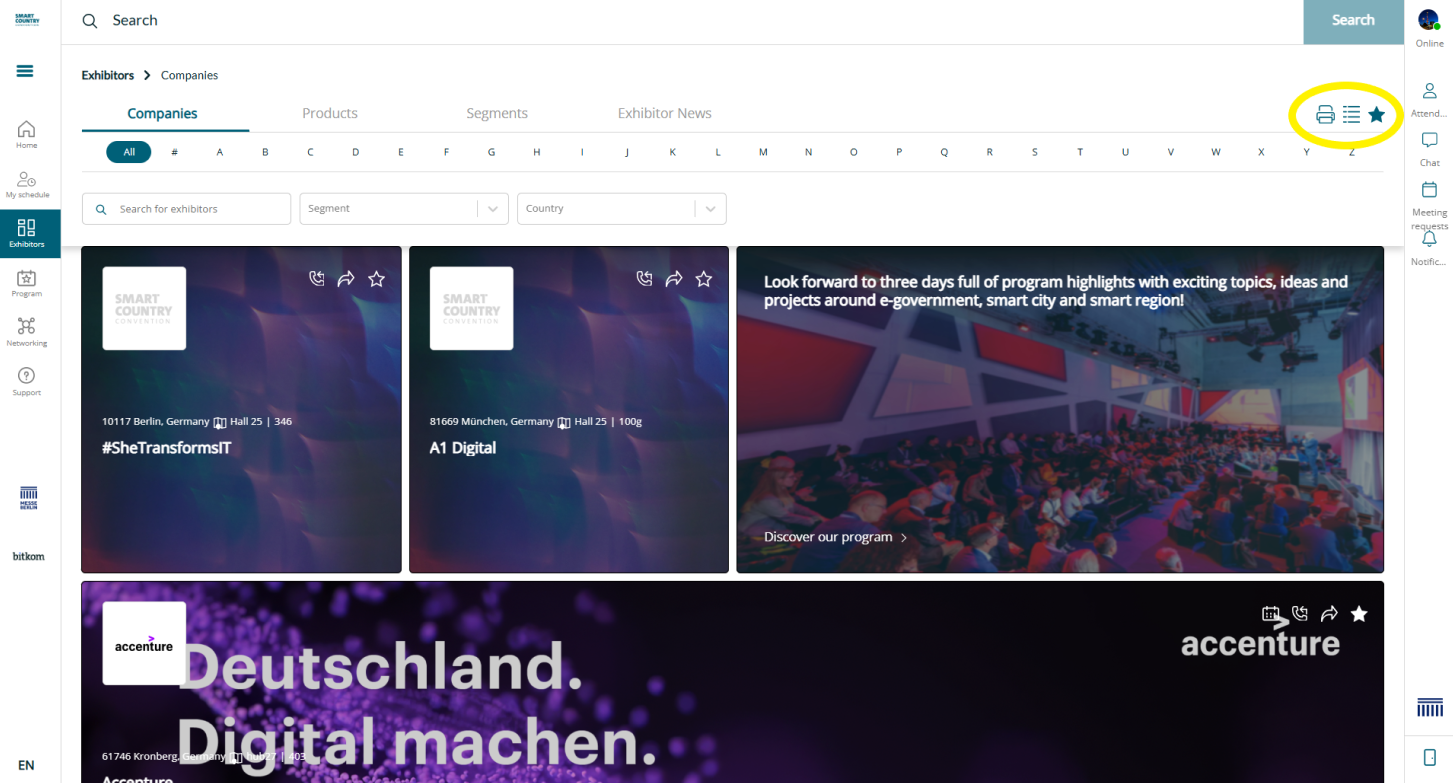
You can print a PDF document with the exhibiting companies:
-
Go to navigation point Exhibitors.
-
Click on the print icon on the top right of your screen.
-
The exhibitor list will then be downloaded automatically.
Furthermore, it is possible to search for Exhibitors, Products or Product Groups. It is also possible to easily search for exhibitors and industries. By clicking on the print icon, you can download a list of exhibitors as a PDF document.
The bookmark icon helps you to mark exhibitors as favourites.
General contact details are available in the app. Further contact and networking features are available via the event platform.