
Your company’s presence in the Exhibitor Directory is a key opportunity to showcase your brand to a wide audience. With the Content Manager, you can easily manage and update your company profile to ensure accurate and engaging information appears across the official event’s channels.
Accessing the Content Manager
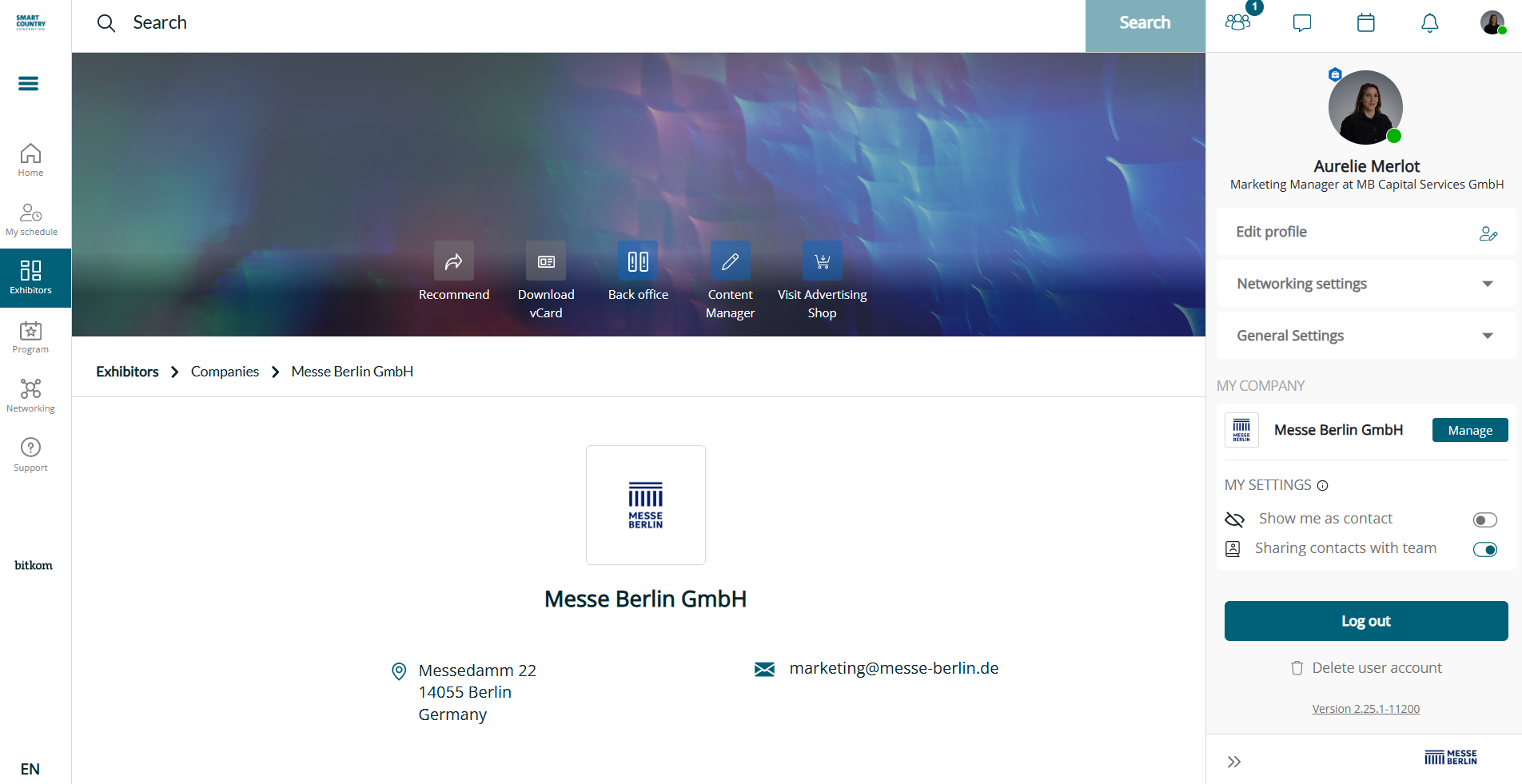
You can find the Content Manager directly on your company page within the online platform. Additionally, the main contact person listed during stand registration can access it through the Advertising Shop.
Tip: Use the same email address that was submitted during stand registration. This ensures an automatic match between your company and your user profile for an easy access.
Editing Your Company Profile
Start with opening the Content Manager and updating your company data. Keeping your profile current not only ensures accuracy but also helps attract the right attention from visitors and potential partners.
Your Exhibitor Profile
Your company information is published in two key places:
-
Exhibitor Directory in the App (under “Discover”): A short version of your profile appears here, including searchable fields and industry filters. Visitors can print or download this directory as a PDF and use bookmarks to save their favorite exhibitors.
-
Digital Platform: A more comprehensive version of your profile is available here, giving you more space to present your brand in detail.
All data displayed in the Exhibitor Directory can be customized and updated at any time using the Content Manager. This flexibility allows you to keep your messaging relevant throughout the exhibition period.