
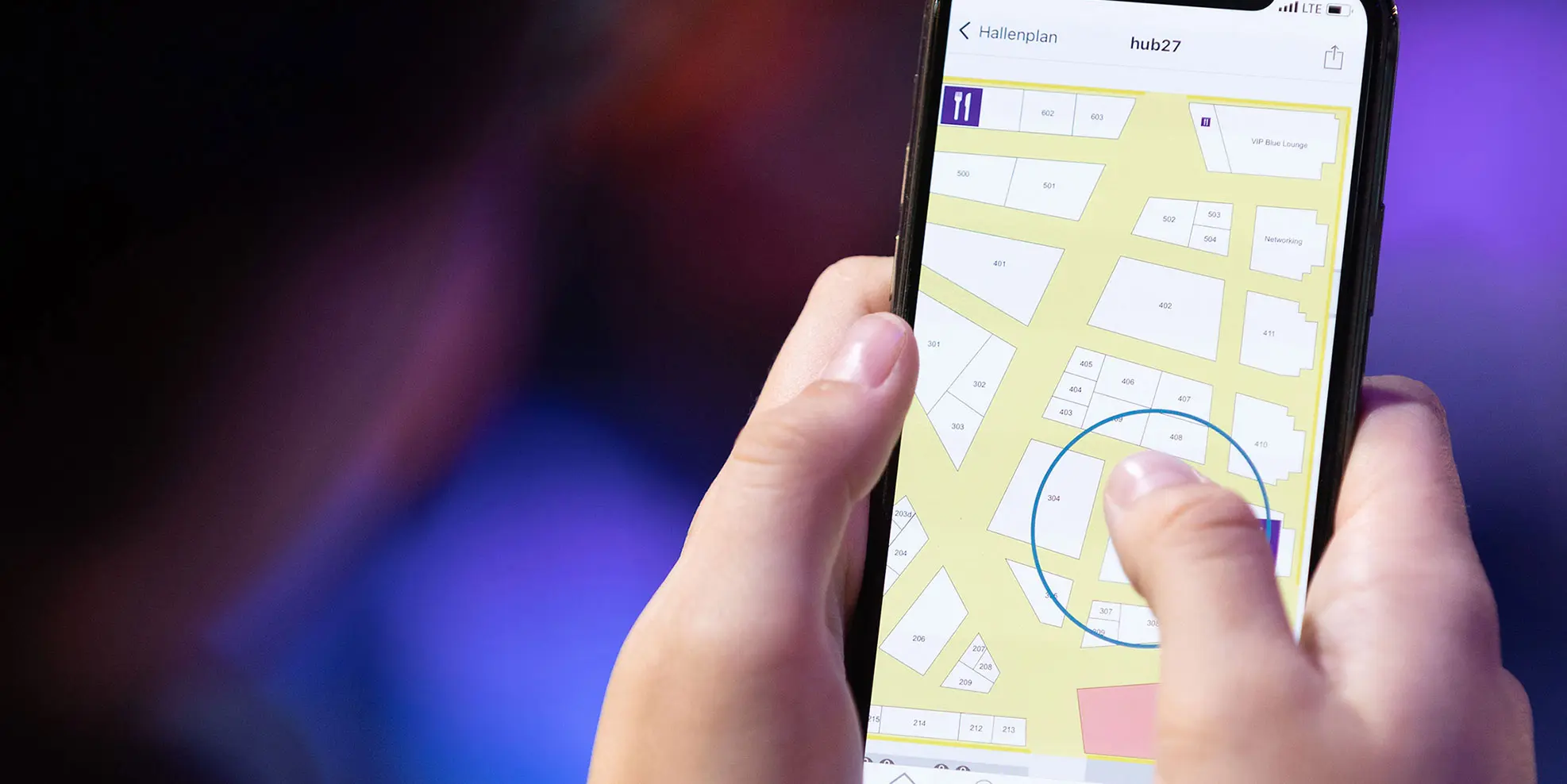
Download the official App from the website, available in the stores Google Play and App Store.
Ensure all team members are registered on the event platform.
Using the Lead Scanning App
Step 1: Download and Install
Download the app from the official website.
Install or just update the app on your device.
Step 2: Logging In
Open the app and log in using your email.
Step 3: Scanning Badges
Click on the QR code within the app to access the scanner.
Sharing Scanned Contacts
All colleagues who should have access to shared scanned contacts must first register themselves on the platform.
Download Export
Access the backoffice to view and download scanned leads.
Access all Leads at once
If scans are not visible in the backoffice, check if the "Share with the team" button is activated.
For issues with viewing contacts, try closing and reopening the app.